
This is just a test as I just got the printable list application and I wanted you all to be able to play around with it, before I start using it tomorrow!! It will take some getting used to for me for price matchups, but I think I am going to love it once I get going. I will post later all the features that are available for the readers to take advantage
Here are a few features that it offers:
Once you click on the items that you want to add to the printable list (they will pop up on the right-hand side of the bottom of the screen) – As seen in picture below:
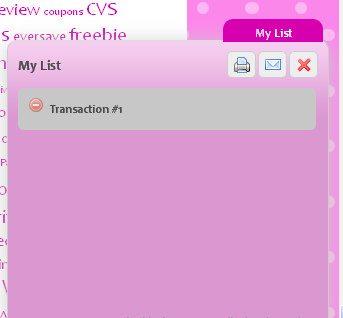
Once you have all items entered, you will click on the printer picture. It will then pull-up the printable list screen.
If you look up at the right-hand side (top) you will see this screen
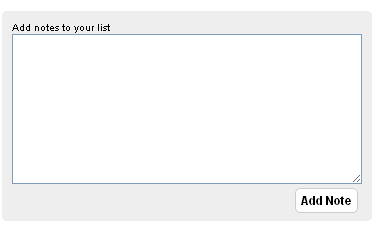
Here you can add any notes that you would like. This could even be note to self, i.e. Pick up children at 2 p.m. Once you add it make sure you click on “add note”
On the bottom you will see this screen:
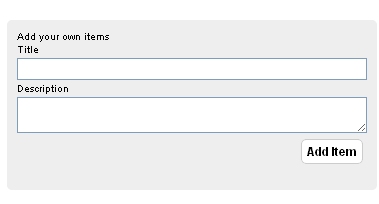
This is a cool feature because if there are other items you want to add to the list that I do not have listed you can add them. Once you add your info you will just click on “add item” and they will be added to the printable list:)
Try it out and let me know what your thoughts are. . .Hope you like it!!

This post may contain affiliate links. Read my complete Disclosure Policy Here
 My name is Joni Meyer-Crothers and I run this couponing/money-saving blog along with my husband, Jamie. We love to show others how to save money in a BIG way! We do all the work for you. . we do the matchups and show you where to get the coupons, many FREE printable coupons. Sit back and follow the blog and watch your savings increase! Couponing is a ministry for our family as we we love to show others how to save and share from their couponing harvest!